

1. Introduction
OpenWork is an open-source AI coding assistant that supports 75+ models and local deployment. Through MixRoute, you can access a wide range of mainstream and cutting-edge models (such as GPT, Claude, GLM, etc.) in OpenWork, with full support for custom providers and model configuration. Download: https://openworklabs.com/2. Quick Setup (MixRoute)
2.1 Get an API Key
Create and copy an API key from the Mixroute API Console.2.2 Configure a Custom Provider in OpenWork
OpenWork supports adding custom providers via a JSON configuration file. It is recommended to configure at the workspace level rather than globally.1
Locate the config file
Create or edit the config file in your OpenWork workspace:
/path-to-your-workspace/.config/opencode/opencode.json2
Add a Provider
Add the corresponding provider configuration based on the integration method:
OpenAI-Compatible Format (recommended for standard models)
OpenAI-Compatible Format (recommended for standard models)
For models supporting Chat Completions, use
@ai-sdk/openai-compatible:Responses API (GPT-5.x Codex and similar models)
Responses API (GPT-5.x Codex and similar models)
Some models require the Responses API protocol. Use
@ai-sdk/openai for these:See Section 3 for which models require Responses API.
Anthropic Messages API (Claude models)
Anthropic Messages API (Claude models)
Claude models connect via
@ai-sdk/anthropic:3
Save and Use
Save the configuration file and restart OpenWork. The configured providers and models will appear in the model selection list.
2.3 Switch Models
Once configured, you can select the provider and model (e.g.,mixroute-responses/gpt-5.6-luna) from the conversation interface or settings.
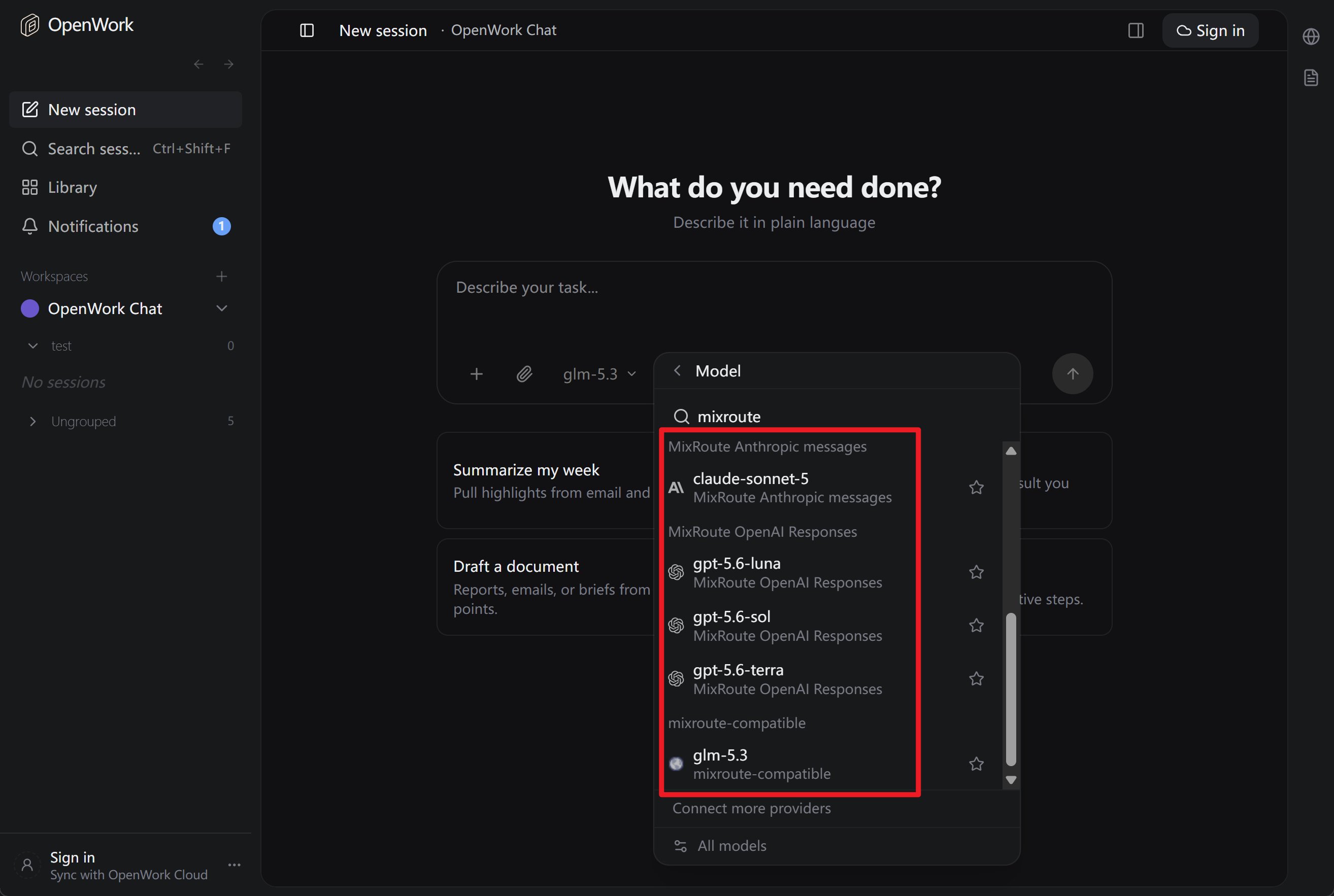
2.4 Start OpenWork and Start a Conversation
After configuration, launch OpenWork and you will see the added models in the model selection list.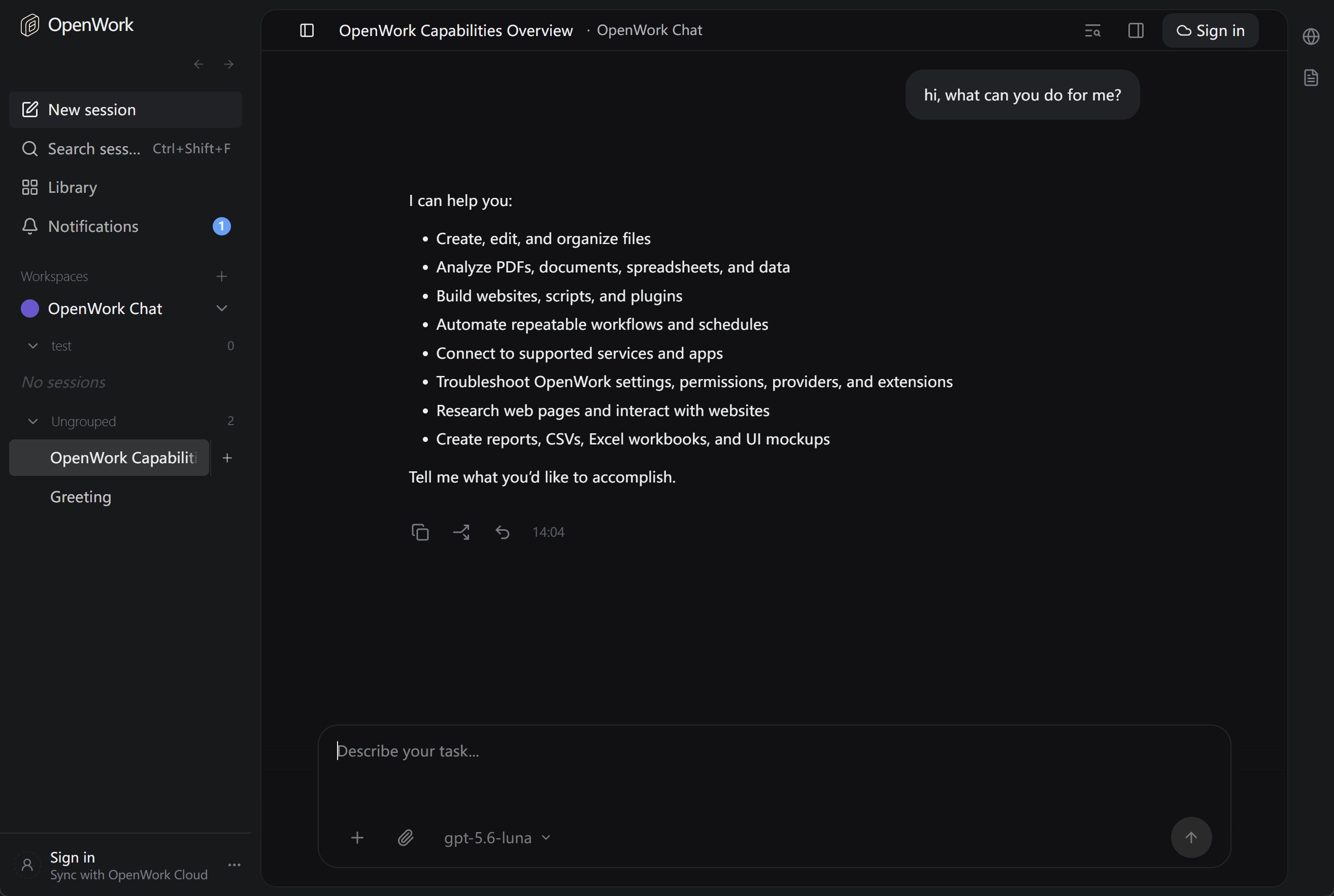
3. Responses API Required for Some Models (Important)
Some models use a different API interface from the standard Chat Completions and require the Responses API. If you encounter an error like this when selecting such a model in OpenWork:The chatCompletion operation does not work with the specified model. Please choose a different model and try again.This means the request is being sent via Chat Completions, but the model only supports Responses API on the server side. You need to configure it to use the correct interface.
3.1 Models That Require Responses API (Typical)
3.2 How to Configure in OpenWork
Add a separate provider in the config file using@ai-sdk/openai to make OpenWork use the Responses API for these models.
See the Responses API section in Step 2 for the specific configuration. Add the mixroute-responses provider to your opencode.json file.
3.3 Summary
4. Reference Links
- OpenWork Website & Download: https://openworklabs.com/
- OpenCode Configuration & Models: Models, Providers
- MixRoute Console: https://api.mixroute.ai/