

Introduction
Dify is a visual AI application building platform. With MixRoute API , you can use cost-effective LLM services in Dify.Integration Steps
Step 1: Prepare API Account
Register at https://api.mixroute.ai/,Check out Quick Start.Step 2: Open Dify Model Provider Settings
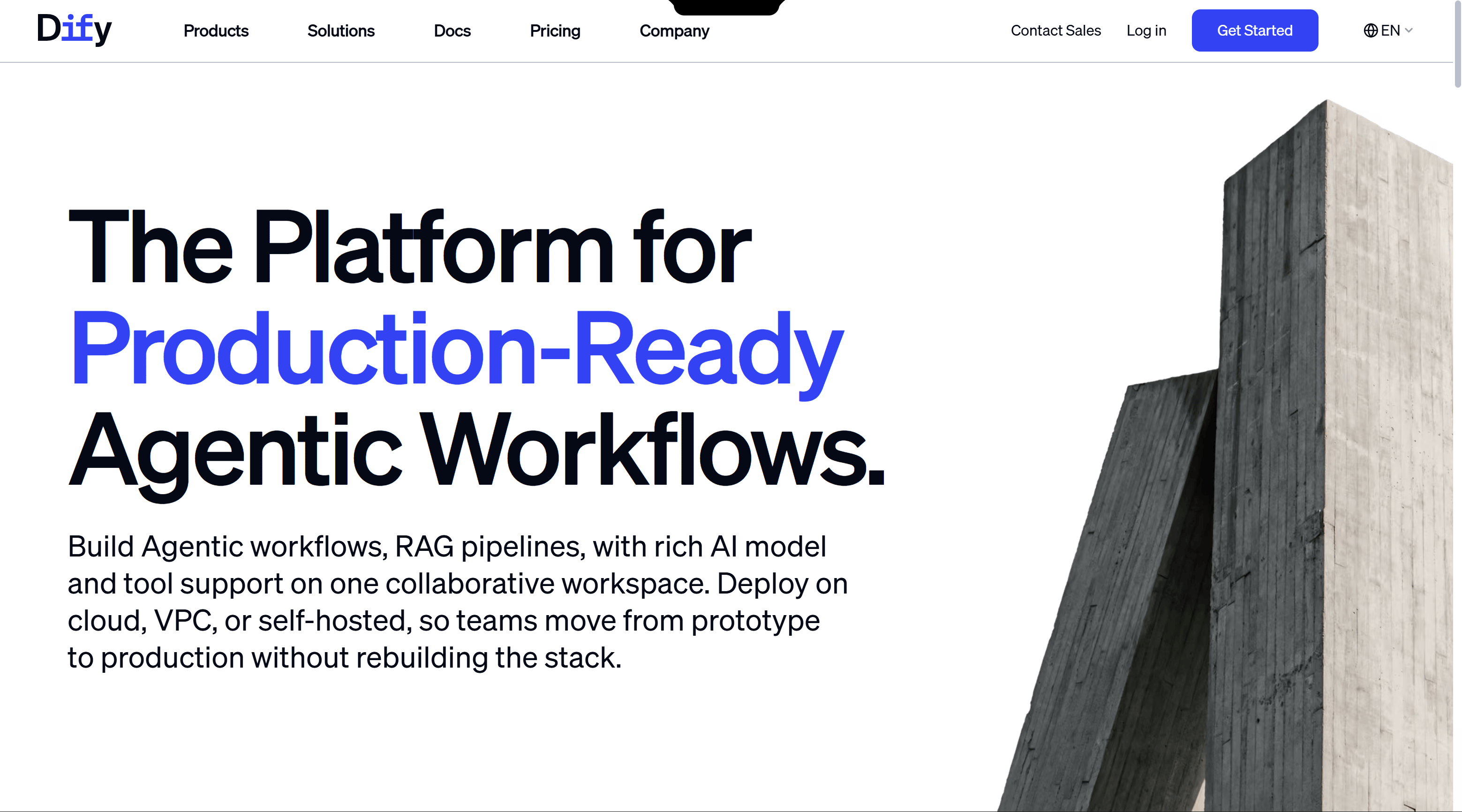
- Open Dify platform, go to Settings
- Select “Model Providers” in left menu
Step 3: Install Compatible Plugin
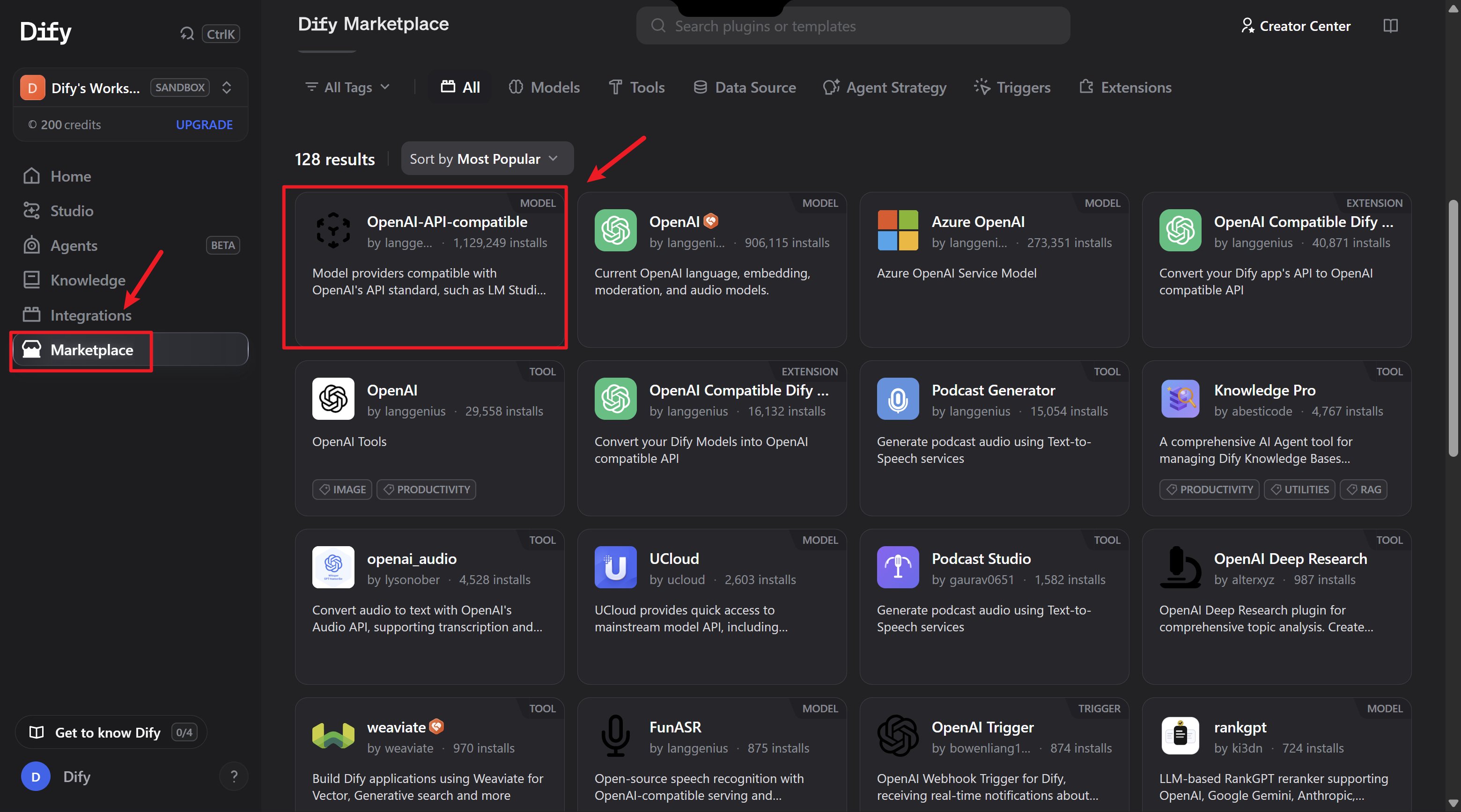
- Find “OpenAI-API-compatible” plugin
- Click Install
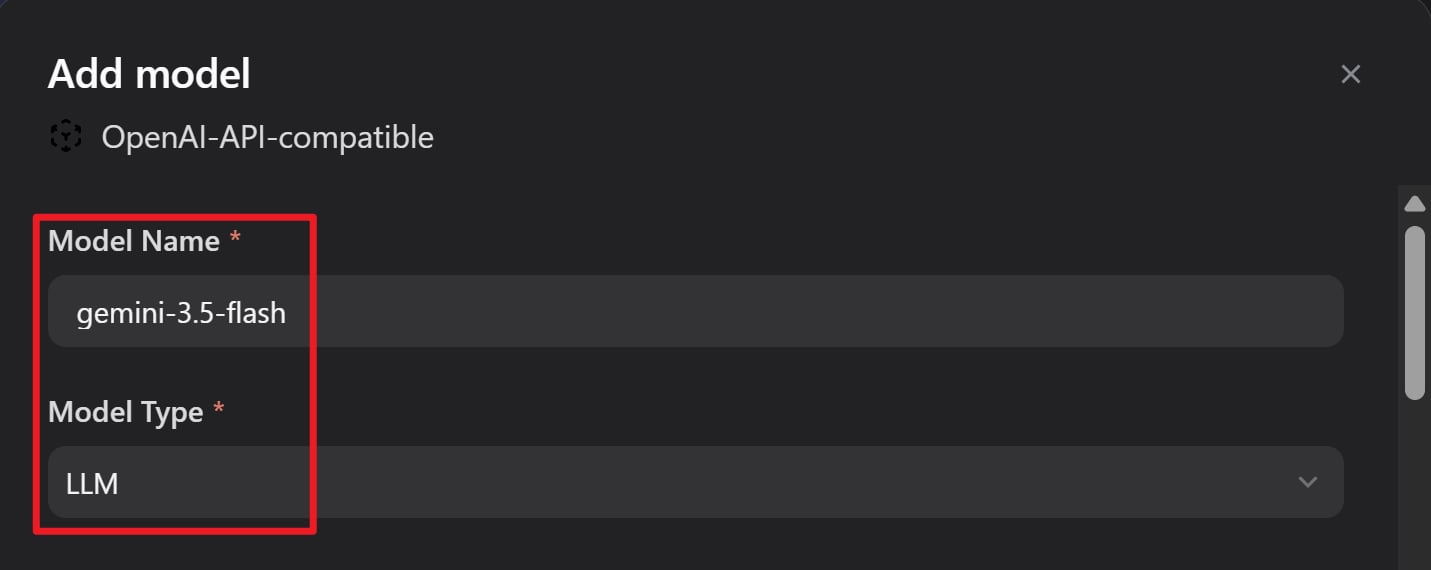
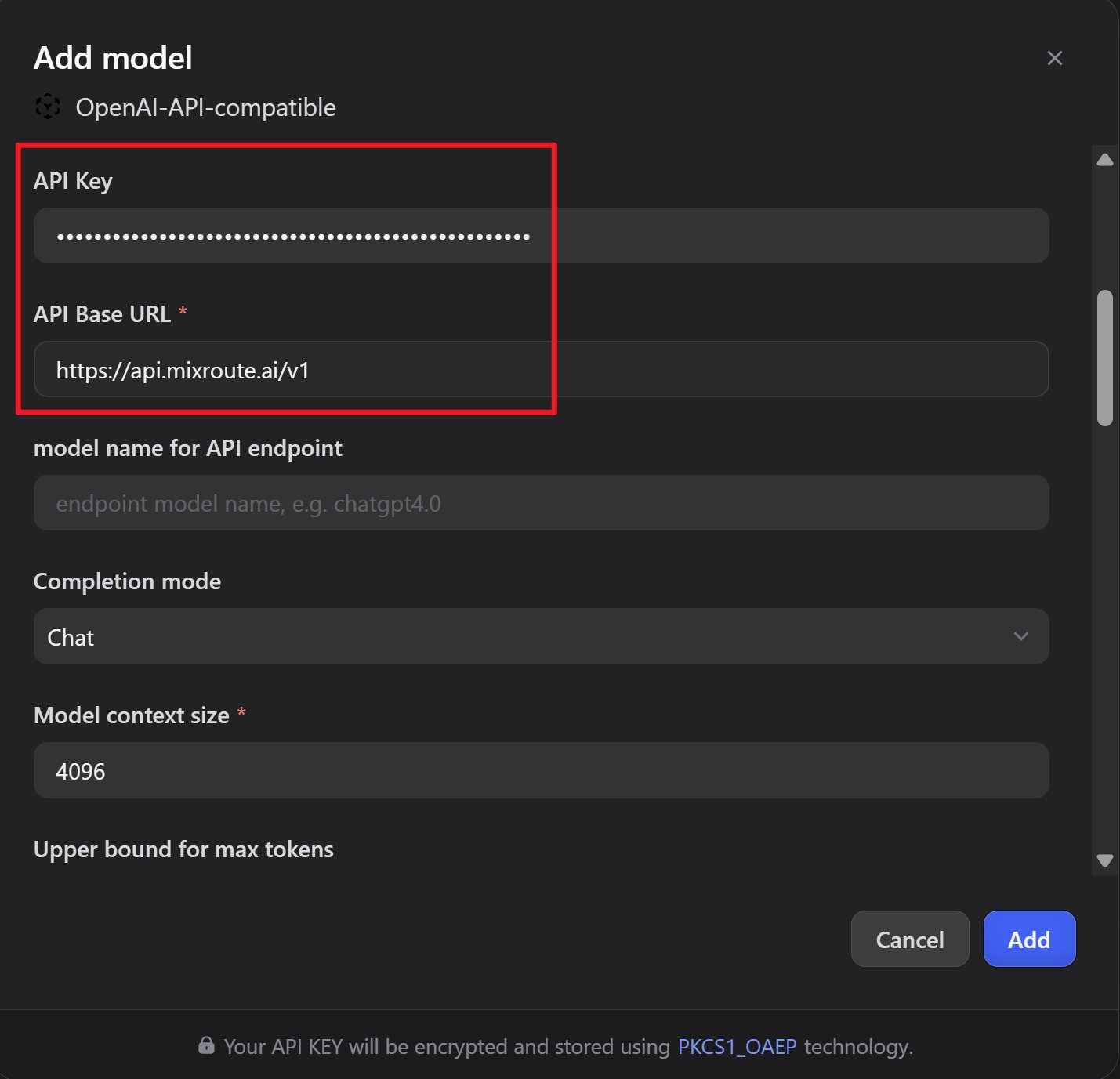
Step 4: Configure Parameters
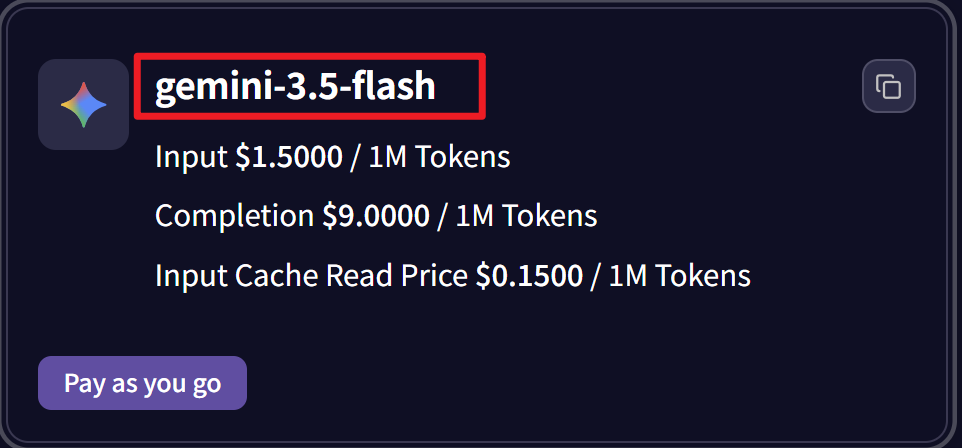
Click “Add Model” and configure: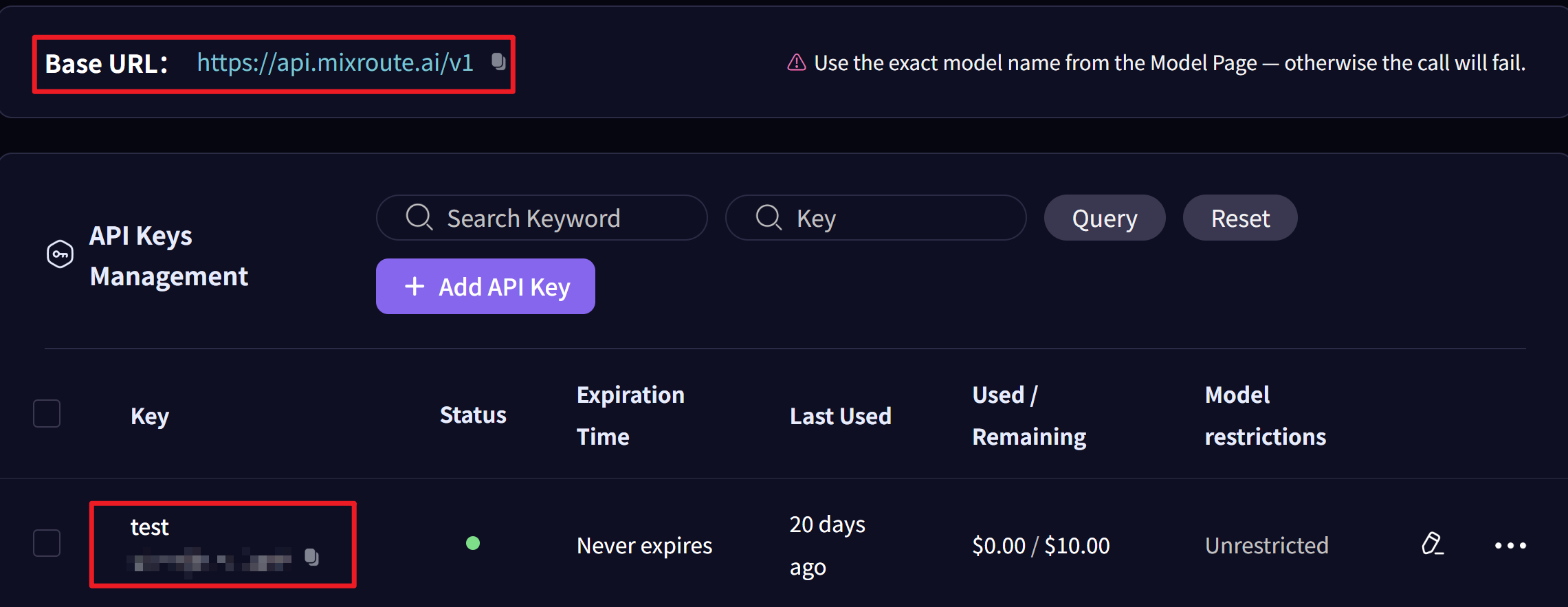
Step 5: Save Configuration
Click “Save” to complete the setup.Step 6: Test the Integration
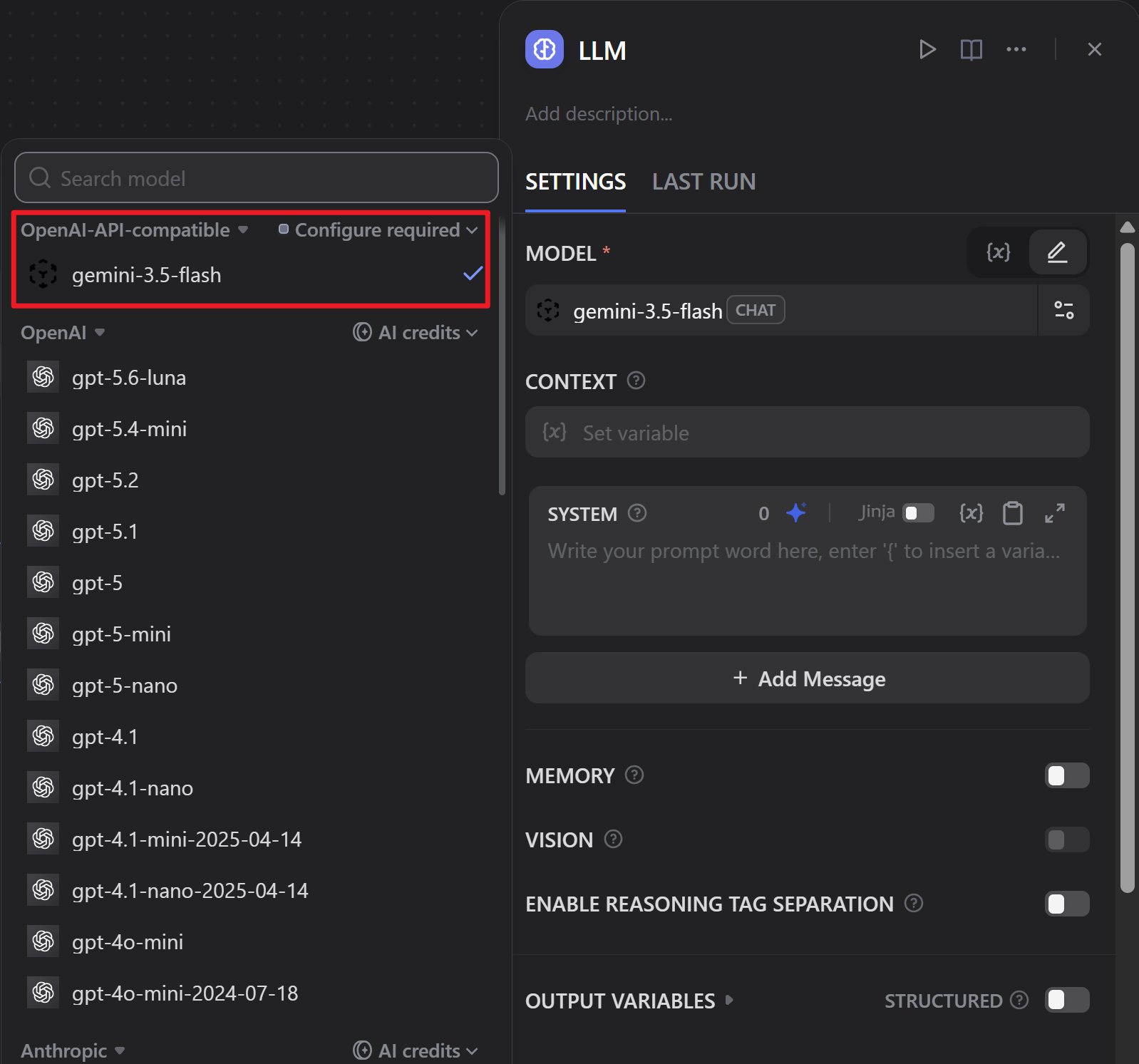
- Create a new workflow or chatbot
- Select the model you just configured
- Run a test to verify everything works
Advantages
Cost Effective
Competitive pricing
Stable Performance
Same response quality
Easy Integration
Simple plugin setup
Full Features
Chat, embeddings, speech-to-text